Screenshots
A quick visual tour of the app.
Devices
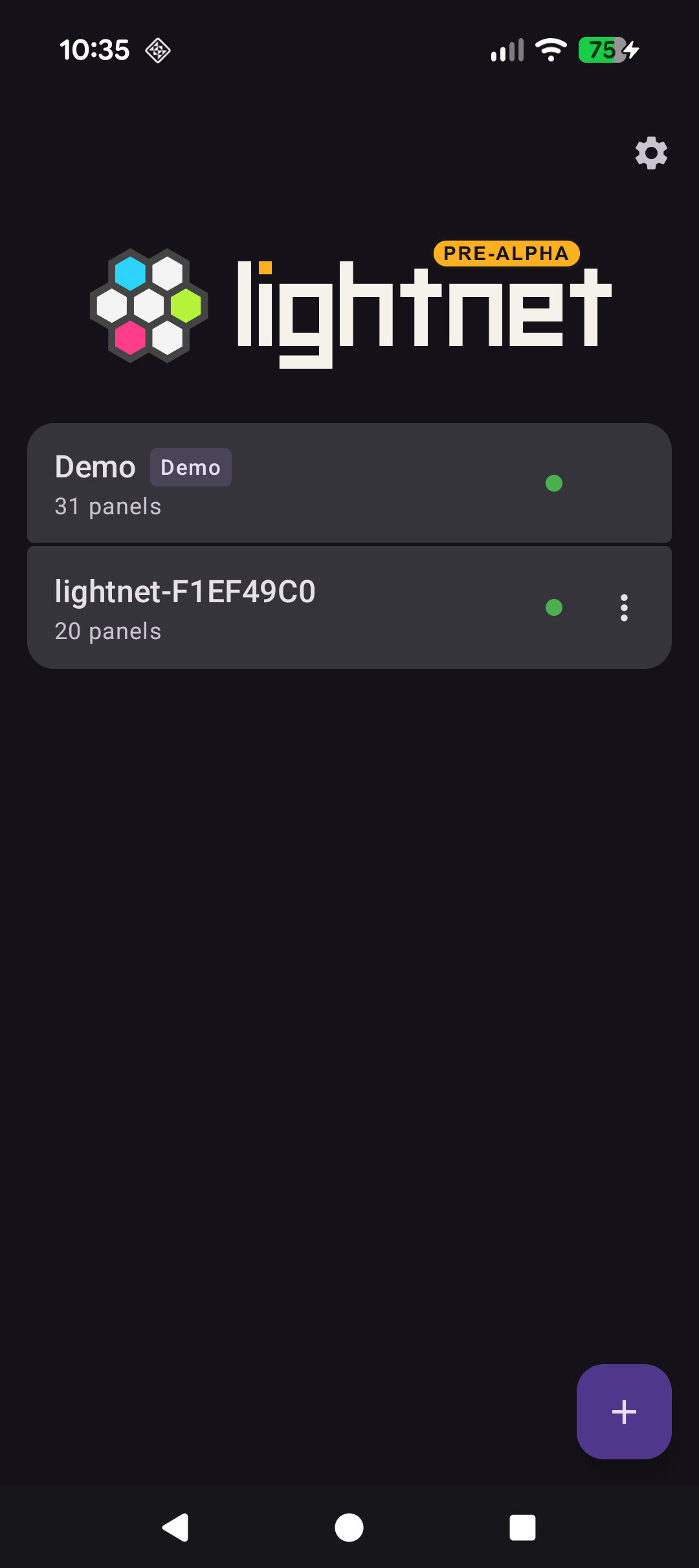
The default view — a list of saved devices, each showing connection status and panel count.
Add device
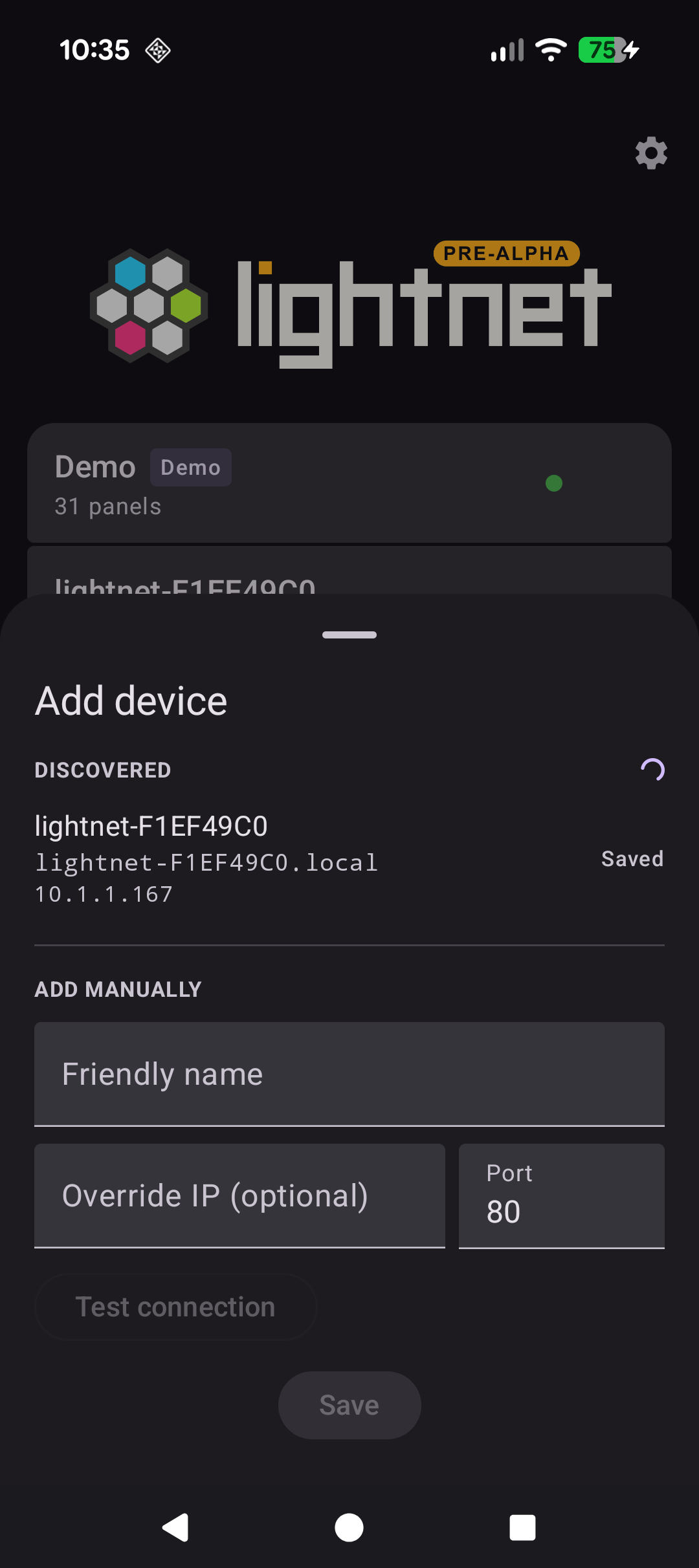
Devices on the local network are discovered automatically via mDNS, or can be added manually by hostname/IP.
Device controller
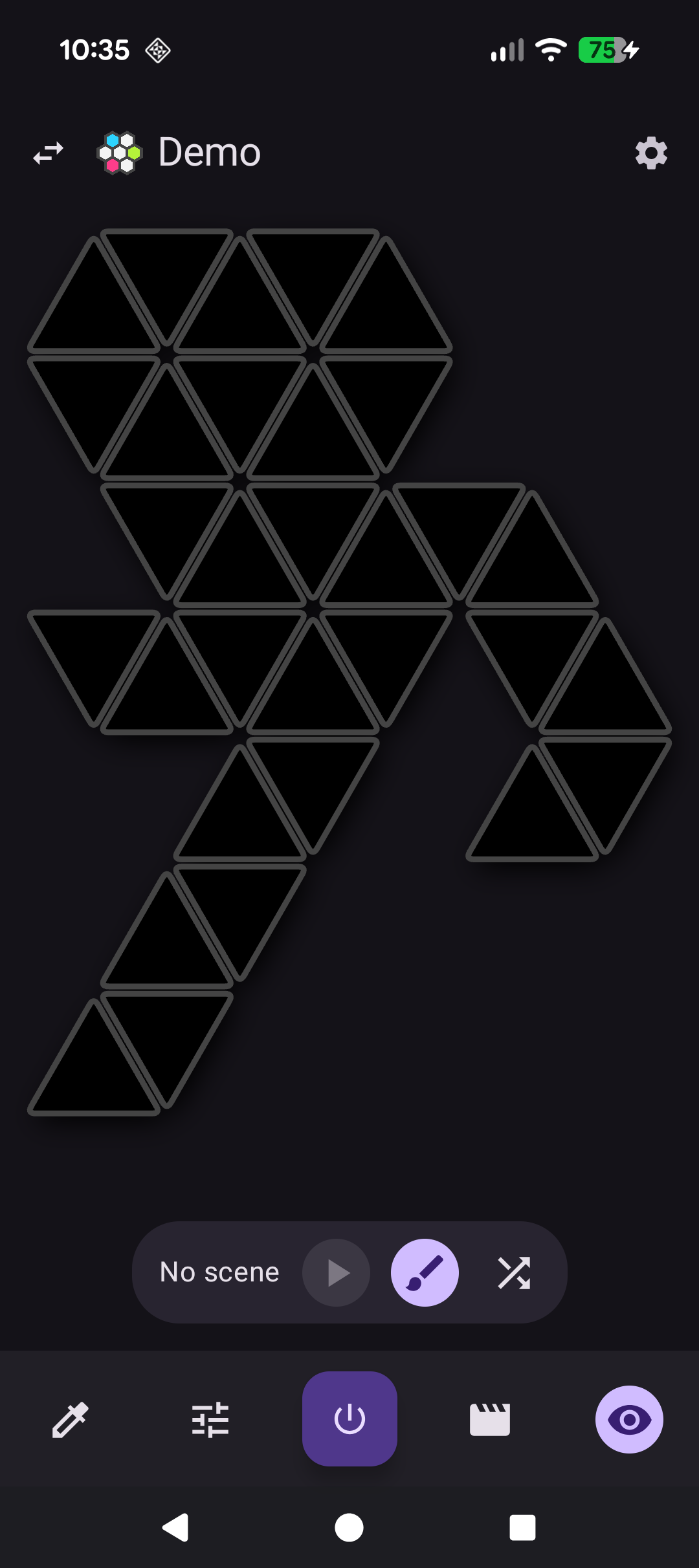
The main visualiser — tap, drag, or select panels to paint colors, and play scenes.
Scene playing
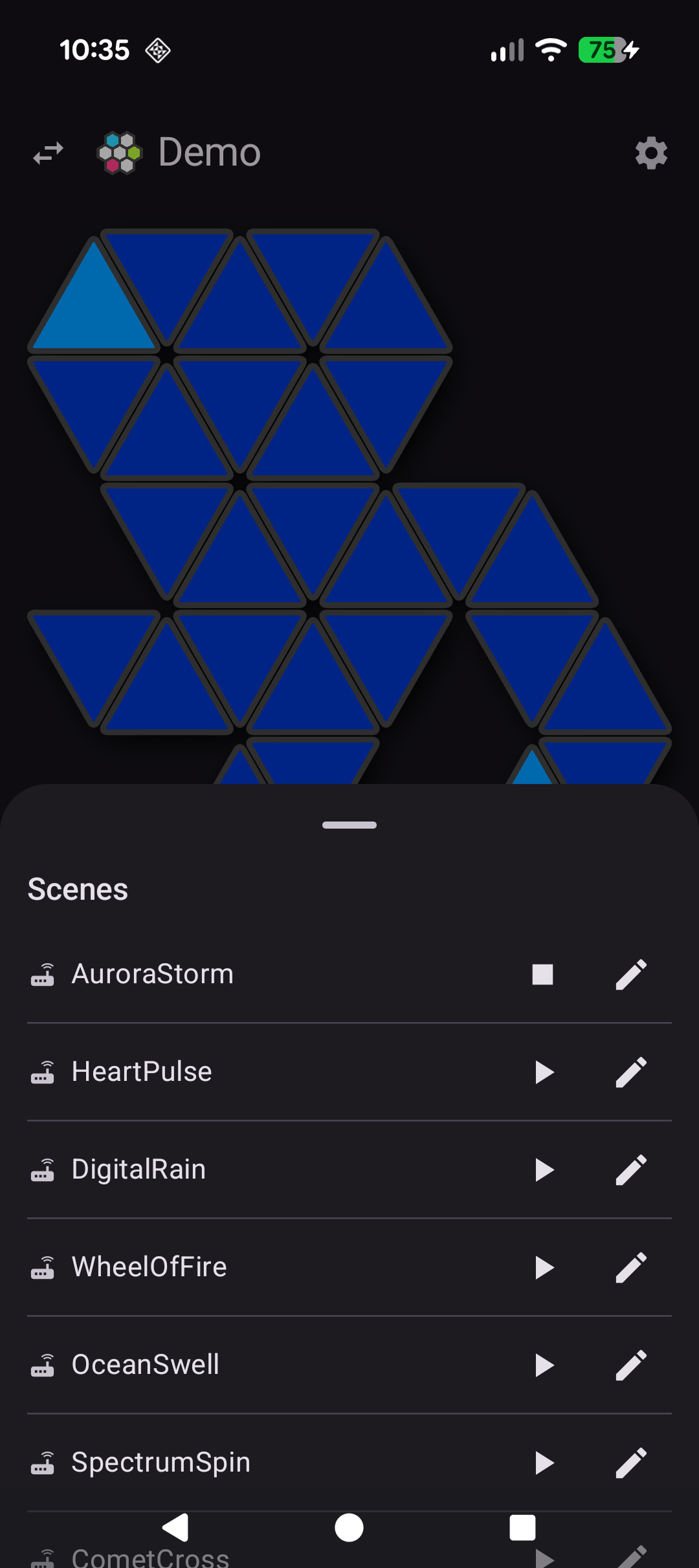
A scene running live from the scenes sheet, with the panel colors animated in real time.
Scene active
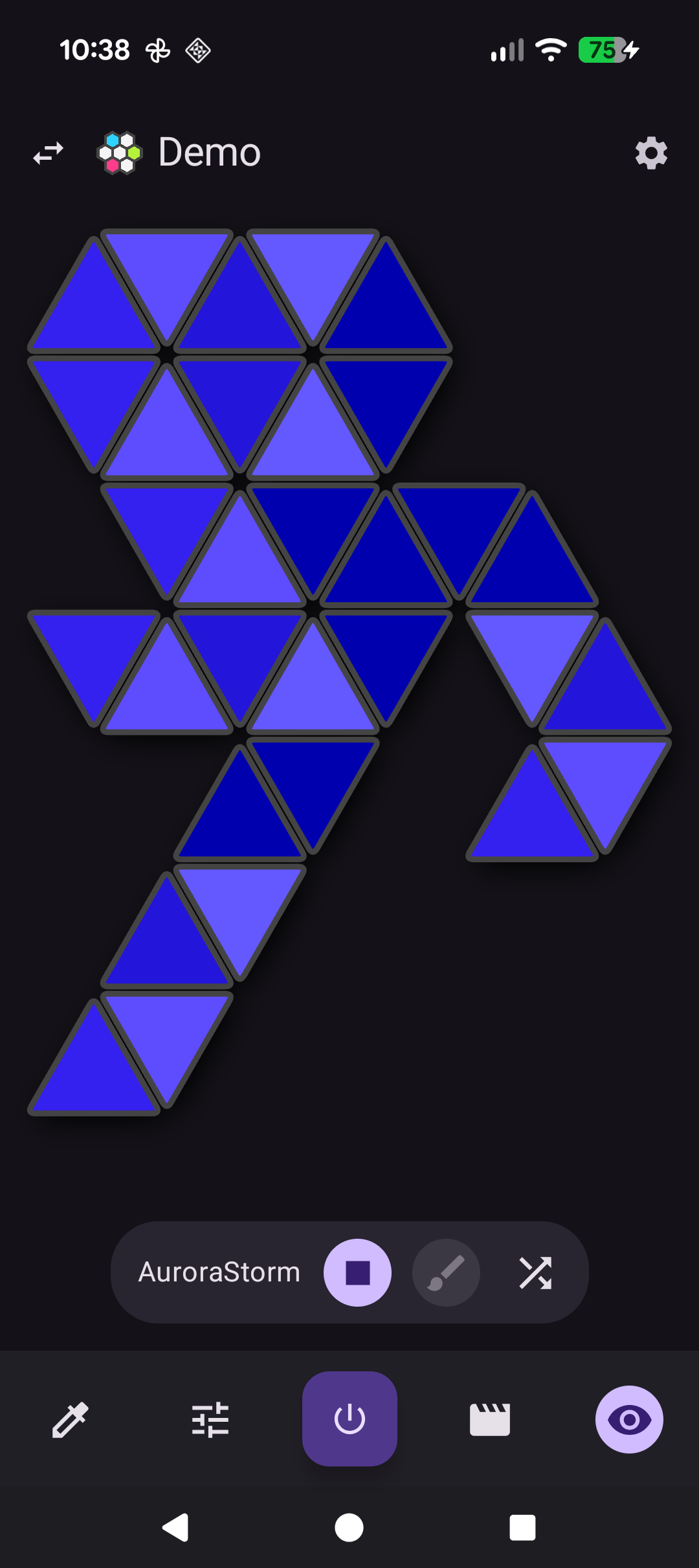
The same scene with the sheet dismissed — full-screen visualiser and toolbar controls.
Device settings
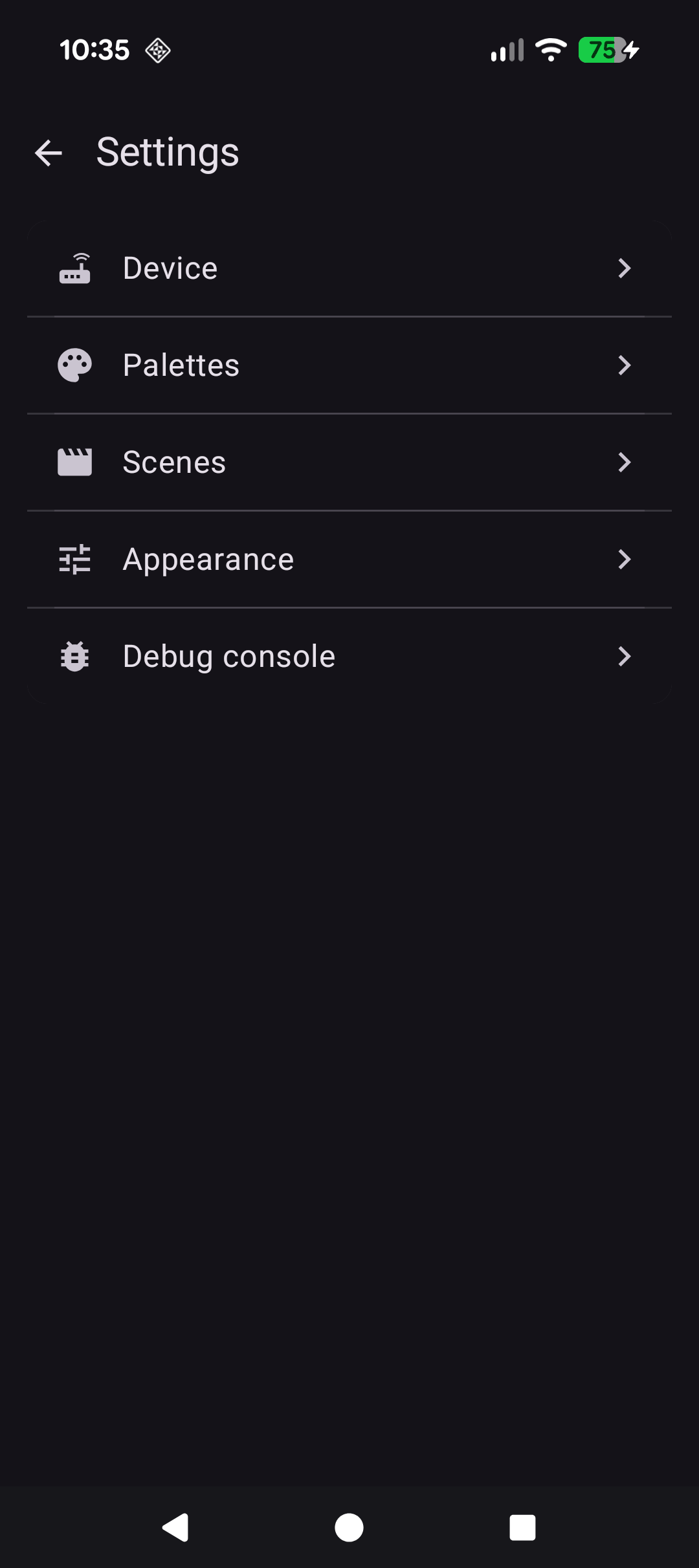
Per-device settings: device info, palettes, scenes, appearance, and a debug console.
Scene editor
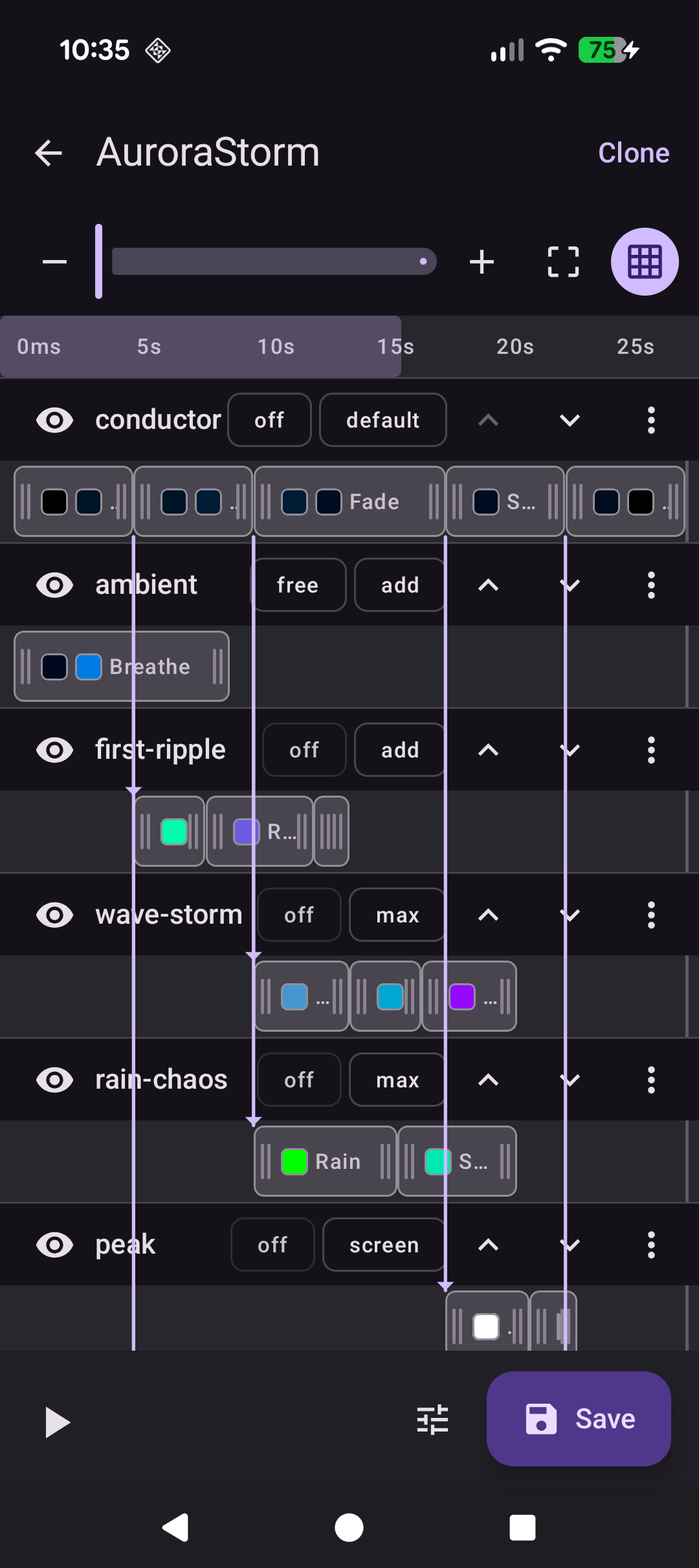
Build scenes from layered animations — wave, ripple, sparkle — with adjustable blend modes and timing.